Windows Operating Systems I went through
My Windows history
My journey began at the age of five with MS-DOS. Although Windows was already widely used as the primary operating system in the United States, South Korea was still a relatively poor country at the time, and many households did not even own 386 or 486 computers. Even in 2006, many of my friends still did not have a computer at home. Since my father ran a computer shop, I naturally learned how to assemble hardware and install software before I even started elementary school.
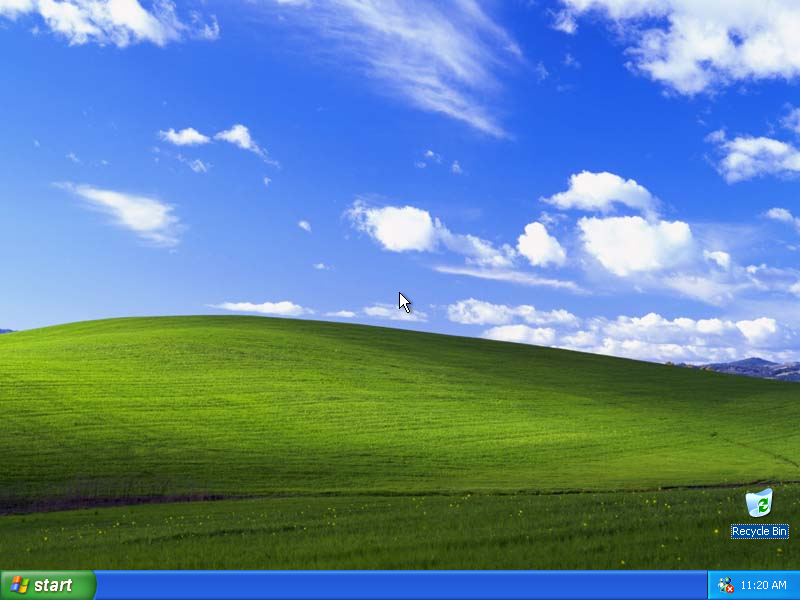
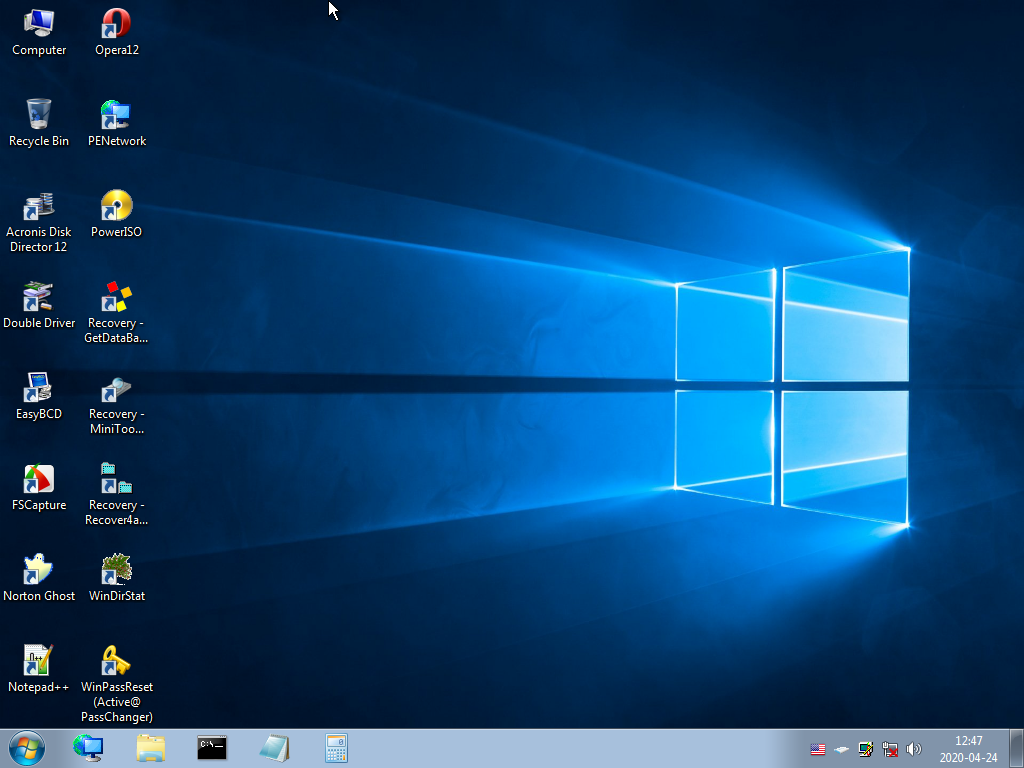
Since then, I have used Windows 95, 98, 2000, ME, XP, 7, 8, 10, and currently Windows 11, alongside macOS and a Synology Linux server. Although the most dramatic transition I experienced was from Windows 95 to Windows 98, Windows XP remains my personal favorite. It holds a special place in my heart because it reminds me of the happiest and most carefree years of my student life.

Legendary Windows Games
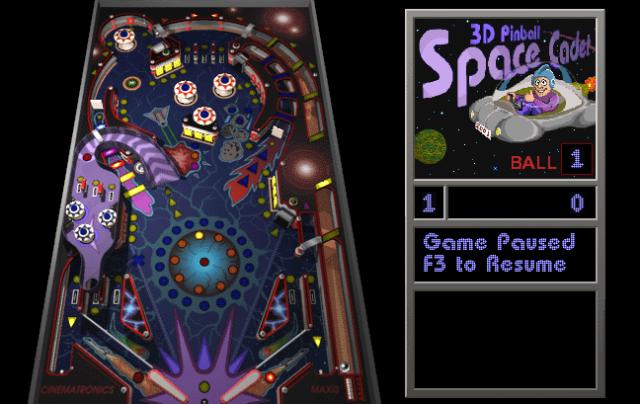
I still vividly remember my first MS-DOS games: a card-flipping memory game, a skiing game (SkiFree) where you flee from an abominable snowman, and a game where a cat (Neko) chases your mouse pointer. Later came Minesweeper, and Windows XP featured the masterpiece known as 3D Pinball: Space Cadet. Microsoft eventually stopped including Pinball because the original code lacked proper documentation. This made it nearly impossible for later engineers to fix bugs or update the game for 64-bit systems.
OS Installation Challenges of the Past
Installing software back then wasn’t as simple as a few clicks. To install Windows, we had to go through these steps:
- Prepare a Windows CD
- Enter the BIOS settings.
- Set the CD-ROM as the primary boot source.
- Reboot and start the installation.
- Configure drive partitions.
- Continue the installation process.
- If prompted, insert the second CD into the drive.
- Enter the product key (Serial number).
- Go to bed while waiting.
- Install various drivers and reboot at least 10 times.
If you missed the graphics driver, the screen would default to a low 800x600 resolution, making the icons look massive and the computer feel primitive.

Nowadays, Microsoft officially supports creating a bootable USB drive. You simply need to download an .exe file and find a spare USB stick with at least 32GB of storage in your drawer. The installation takes only about 10 minutes, as most computers now use SSDs instead of slow HDDs.
