Backup software (Onekey ghost)
The Evolution of Windows Backup
Historically, Windows was never known for its backup prowess. Unlike macOS and its seamless Time Machine, Windows backup features were often clunky, unreliable, or simply non-existent. For many of us, this meant relying on third-party tools like OneKey Ghost during our student years.
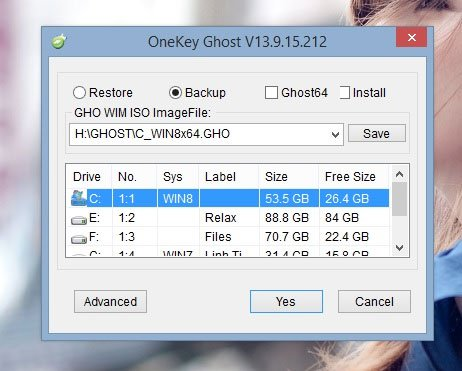
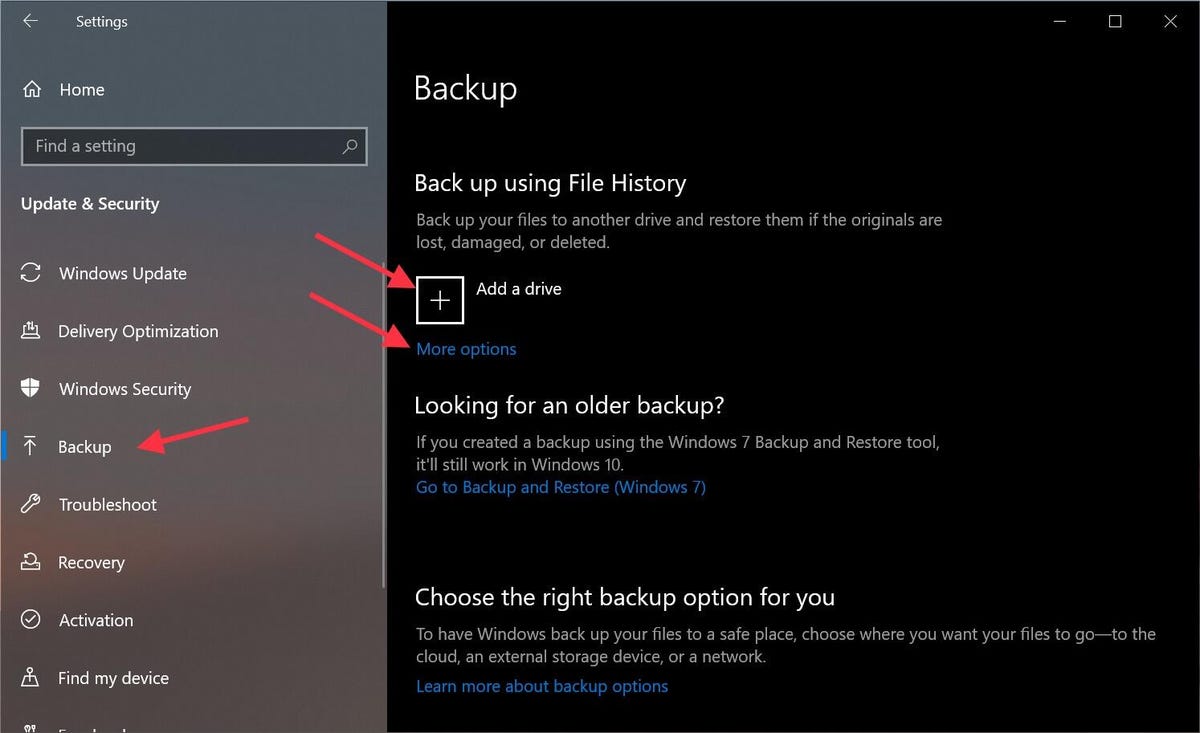
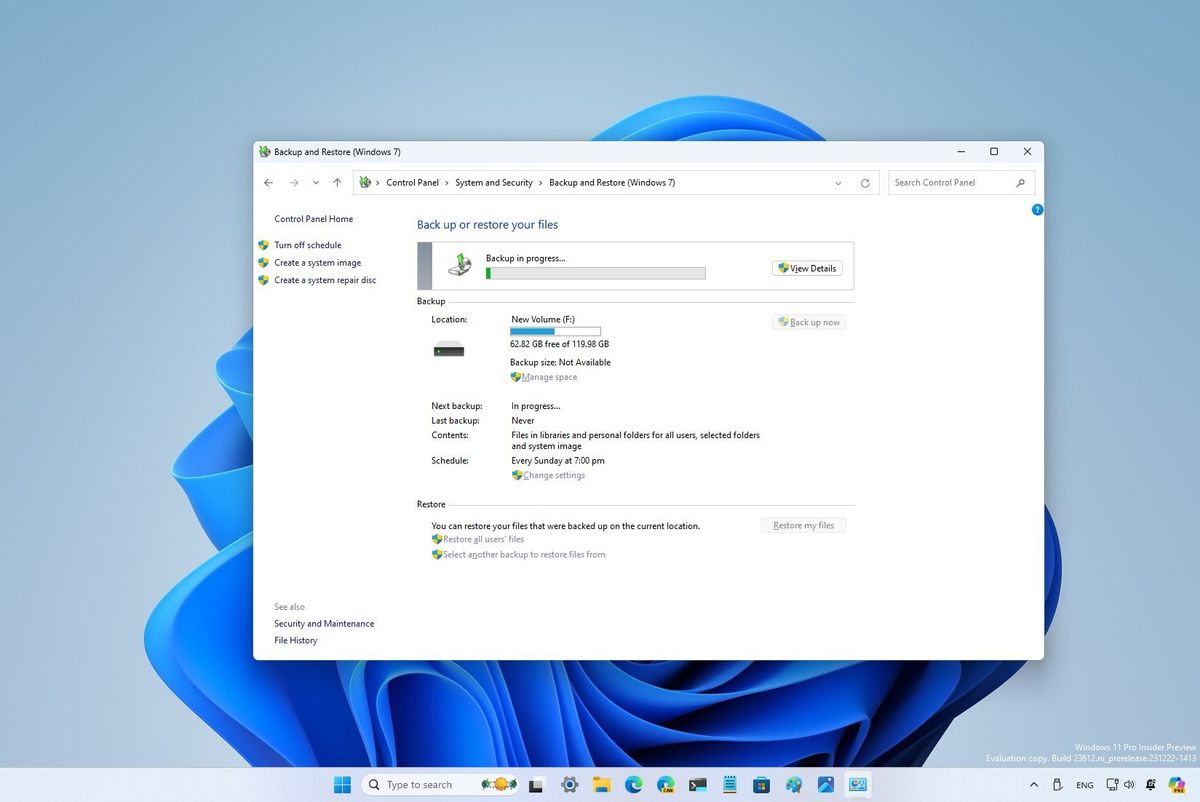
OneKey Ghost provided a GUI for Symantec Ghost, allowing users to create full partition images and restore them without the headache of manual DOS commands. Fortunately, Windows 11 has finally improved this experience. It now includes a competent automatic backup system that handles scheduling and periodic saves to designated locations with much higher reliability.
Why Hardware Choice Matters for Backups
I still prefer using external HDDs for my long-term backups. While they are noisier than SSDs, they offer a critical advantage in data safety. SSDs are semiconductor-based and highly volatile: once they reach the end of their lifespan or suffer a controller failure, even the most skilled forensic engineer might find the data unrecoverable.
This risk is real. Back in 2015, I heard about a wedding photographer whose SD card failed right after a shoot. The resulting loss led to a legal demand for 5 million KRW in damages. It is a stark reminder that while recovery is possible, prevention is far cheaper and less stressful.

Data Resurrection: The Professionals
In Korea, a company called Myung Jungbo in Songpa-gu is legendary for its data recovery capabilities. They gained national recognition for recovering devices from the Sewol ferry tragedy. Their expertise is world-class, involving:
Restoring chips that have suffered through two years of corrosion.
iPhone decryption using high-end Israeli technology: specifically Cellebrite equipment, which is valued at over $900,000.
While these services are incredible, the goal should always be to avoid needing them in the first place.
My Current Setup
I recently integrated a Synology DS720+ NAS into my workflow, which has been a total game changer. It allowed me to unify file sharing across Windows, Mac, Linux, and Android—OS environments that usually don’t mix well. Now, even if I lose my iPhone, I don’t have to worry because my photos and data are already backed up there. While I could use Google Drive, it requires a recurring subscription, whereas I am currently running 8TB for about $26 a year (for personal maintenance). The only downside was the initial learning curve for network settings, but that wasn’t a major issue for me, especially since Generative AI can now help solve those technical hurdles. I currently use an 8TB RAID 1 mirroring configuration to maintain a real-time 1:1 clone of my data.
